Document-First Finder is your library.
Double-click and read — no redundant copies, ever.
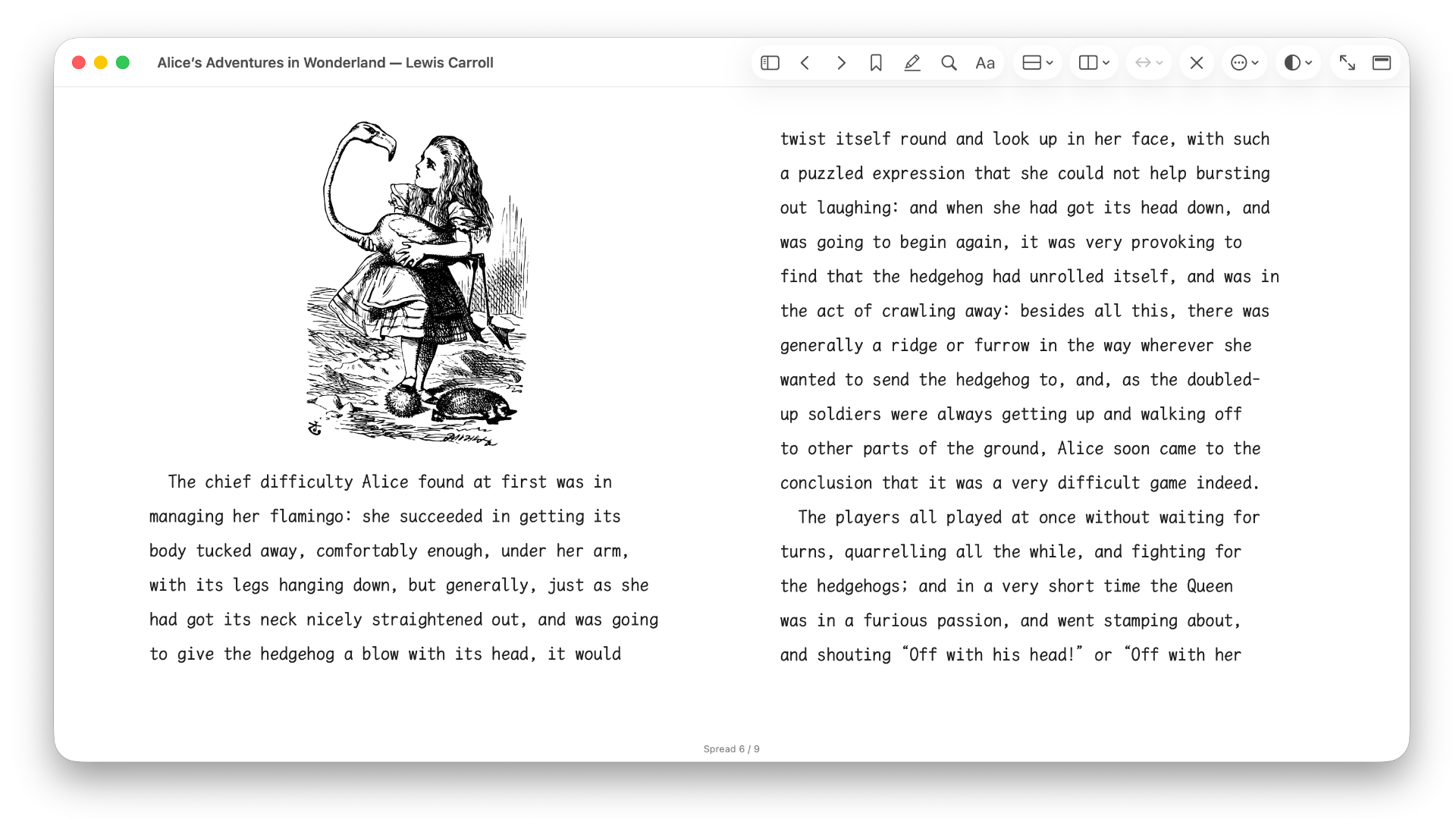
No forced copying into hidden app directories. Double-click any supported DRM-free `.epub` to open it in its own window, or use ⌘O, drag-and-drop, and Open Recent. As long as a book’s contents remain unchanged, Silverlinger recognizes it automatically and attempts to restore your reading position, bookmarks, highlights, and notes — even after a rename or move.
Native Architecture Loads on demand, stays out of your way.
No bloated cross-platform wrapper.
Built with pure native technology, designed to look and feel right at home on macOS. Resources load only while a book is open, paired with chapter navigation and search-as-you-type. When you close the window, it shuts down cleanly — leaving zero background processes running.
Typography Take control of your typography.
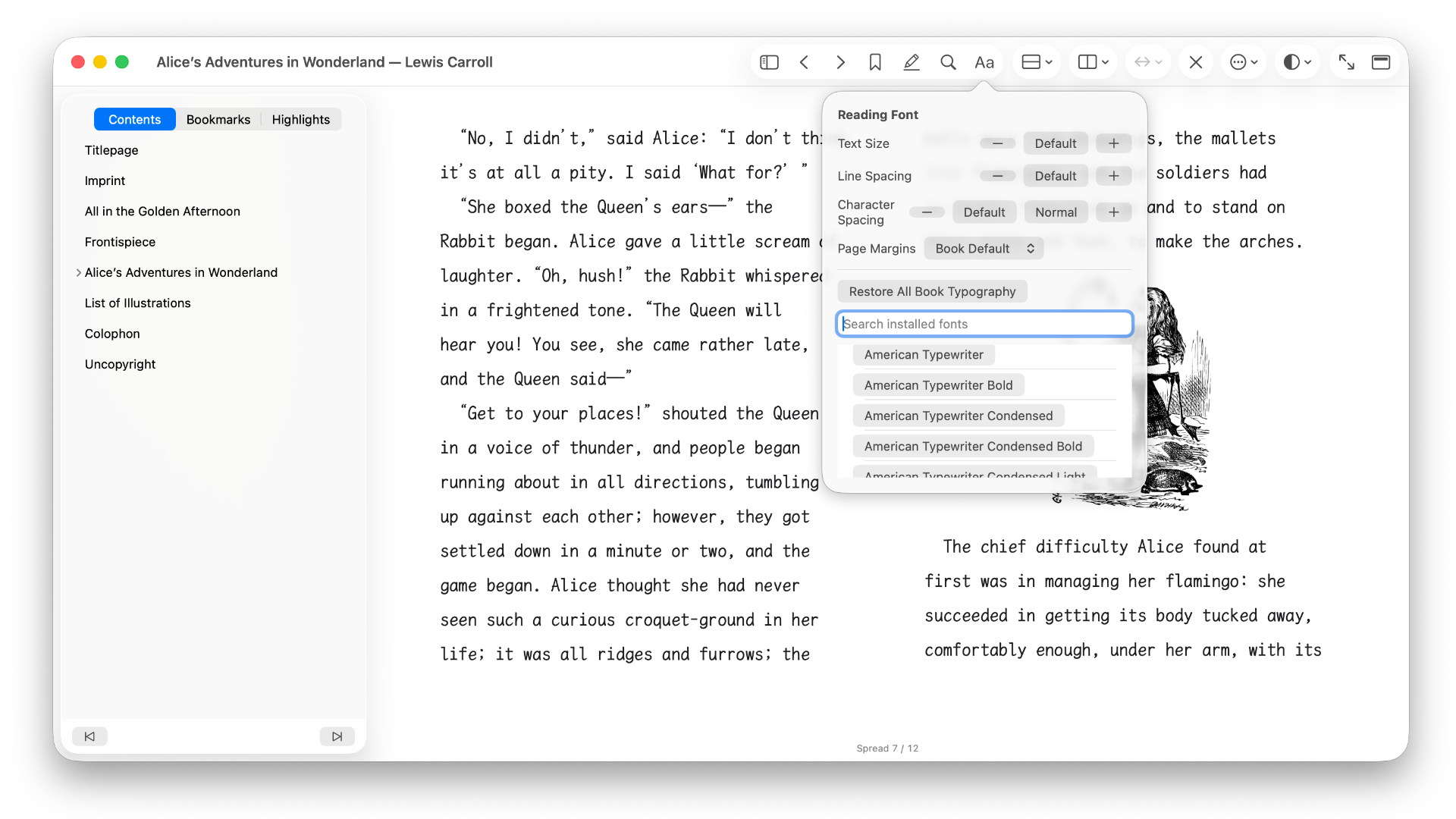
Read with fonts available on your Mac.
Choose from any available system or user-installed font on your Mac, and freely tailor body font size, line height, letter spacing, and margins. White, warm, and night themes are included; illustrated titles and fixed-layout content preserve the publisher’s original styling.
Offline & Private Your data stays local. Source files stay untouched.
No accounts. No analytics. Zero tracking.
No registration, analytics, or advertising components. Reading positions, bookmarks, highlights, and notes are stored in the local macOS App Sandbox container. Silverlinger opens source EPUB files read-only and does not modify them.